Binarium Support
Writen By

Online Trading Platform Researcher and Guide Writer
Researches broker platforms and trading account Systems.
Needing quick, reliable help with deposits, withdrawals, verification or trading access is common when using an online platform. Knowing which Binarium contact channel to use and what details to prepare saves time and prevents delays—especially for time-sensitive requests like withdrawal approval or identity checks. This overview highlights the primary ways to reach support, what to expect from each channel, and which issues are best handled by live chat, email, or phone.
Before you reach out, collect your account ID, recent transaction IDs, and any screenshots that illustrate the problem. Be prepared for identity checks; support may request verification documents before discussing sensitive account matters. The sections that follow list contact options, typical response expectations, step-by-step tips for submitting a support request, and practical troubleshooting steps to resolve common communication failures.
Before you reach out, collect your account ID, recent transaction IDs, and any screenshots that illustrate the problem. Be prepared for identity checks; support may request verification documents before discussing sensitive account matters. The sections that follow list contact options, typical response expectations, step-by-step tips for submitting a support request, and practical troubleshooting steps to resolve common communication failures.
Binarium Online Chat
One of the most convenient ways to contact Binarium broker is using online chat with 24/7 support that allows you resolve any issue most fast as possible. The main advantage of the chat is how fast Binarium gives you feedback, it takes for about 4 minutes to get answered. You cannot attach files to your message in Online chat. Also you can’t send your private information.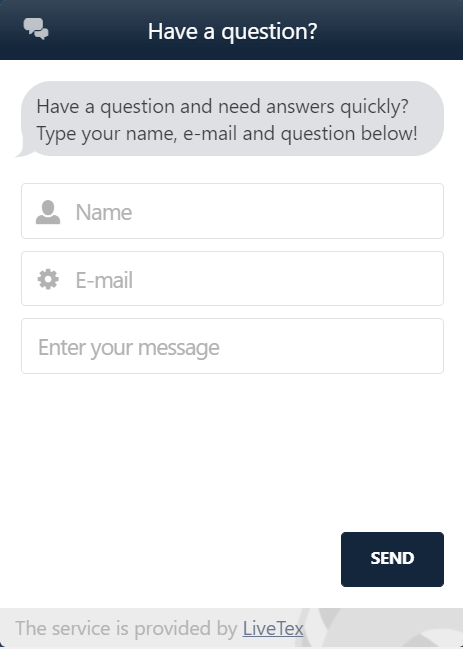
Binarium assistance by Email
Another way to contact support by e-mail. So if you don’t need quick answer for your question just send an email to [email protected]. We strongly recommend to use your registration email. I mean email that you used for registration on Binarium. This way Binarium will be able to find your trading account by email that you used.Binarium help by Phone
Another way to contact Binarium is phone number. All outcoming calls will be charged according to the tariffs of the city indicated in brackets. These will vary according to your telephone operator.
You can call this Phone Number: +44(203)6957705, +7 (499) 703-35-81
Which is the fastest way to contact Binarium?
The fastest response from Binarium you will get through the Phone Call and Online Chat.
How fast can i get response from Binarium support?
You will get immediate response if you contact Binarium by phone. You will be answered in several minutes if you write via Online chat.
Contact Binarium by social networks
Another way to contact Binarium support is Social Media. So if you haveFacebook: https://www.facebook.com/binariumcom/?ref=br_rs
VK: https://vk.com/binarium_ru
You can send message in Facebook, VK. You can ask common questions in Social networks
Binarium Help Center
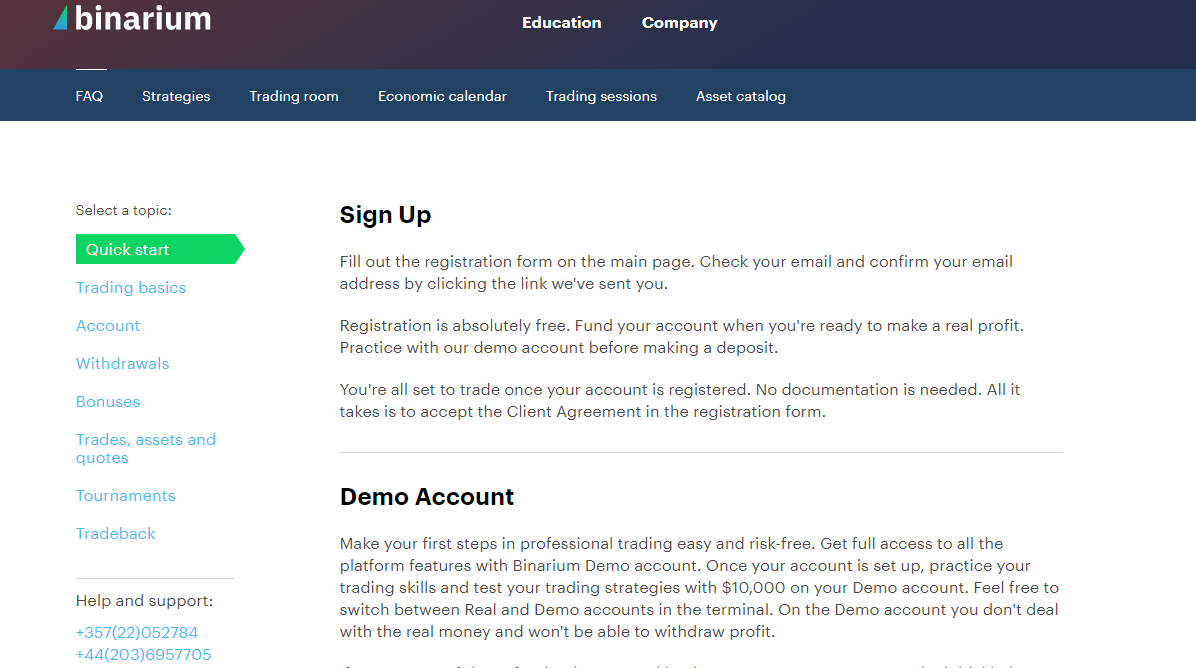
We have got the common answers you need at here: https://binariums.com/binarium-register
Conclusion: Get the Help You Need Quickly
Binarium provides multiple support options to ensure traders receive timely assistance. Whether you choose live chat for immediate responses, email for detailed inquiries, or phone support for direct communication, you can reach out in a way that suits your needs. To get the most effective help, always provide clear details about your issue and check the help center for quick solutions.
FAQs
Start with the in-app live chat for fastest verification support; if you prefer email, send a clear message to support including your account ID and transaction references. Attach high-quality scans or photos of your government ID and a proof of address (PDF, JPG or PNG). Mask non-essential card digits and include timestamps for transactions. Support will confirm document receipt and advise next steps; expect identity checks before discussing withdrawal eligibility.
Live chat is accessible from inside the platform; response times vary with traffic but are often within minutes to a few hours for routine queries. Complex verification or withdrawal cases can take longer.
Check email accuracy and spam or blocked folders first. If using in-app chat, close and reopen the session, update the app, or try a different browser or device — some ad blockers and corporate firewalls block support widgets. Reduce attachment sizes and use common file formats. Save screenshots of errors and include your account ID when retrying via email or phone. If communications are still failing, verify your account isn't restricted, and contact your payment provider or local regulator to confirm there are no regional blocks.
Prepare a government-issued photo ID (passport or national ID), a recent proof of address dated within the past three months such as a utility bill or bank statement, and proof of the payment method you used for the deposit (e‑wallet screenshot, bank statement or masked card image). Ensure files are clear, in PDF, JPG or PNG format, and under size limits. Translate documents if required and redact non-essential personal numbers. Upload them through the secure support channel to avoid delays.
Yes — open the mobile app, log in, and go to the Help or Support area (usually in Settings or the main menu). Tap Live Chat or Submit a Request, type a concise description, and attach screenshots or document photos. Allow app notifications so replies reach you. If you cannot sign in, use the support email or phone number and provide your account ID, device model, and a screenshot of the login error to speed troubleshooting.